Examples
In a fixed box, ObjectFit chooses cover, contain or fill.
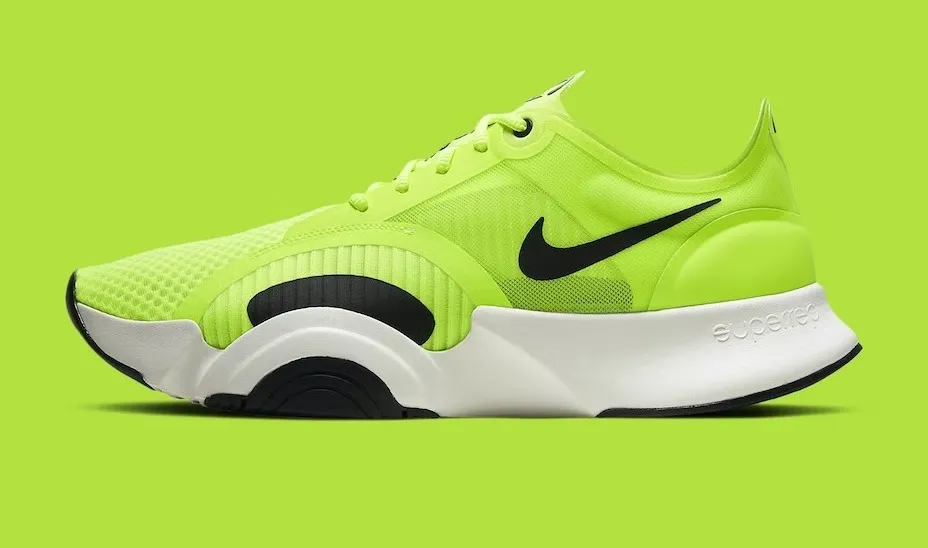
website/Examples/DataDisplay/ImageFitExample.razor
Source
Fluid scales down to the container and keeps the ratio.

website/Examples/DataDisplay/ImageFluidExample.razor
Source
Class takes rounded corners or daisyUI masks.


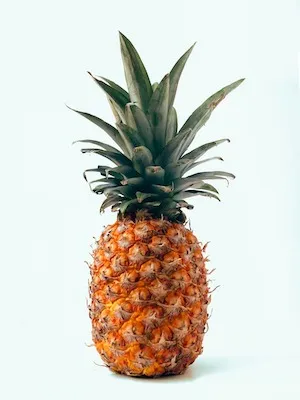

website/Examples/DataDisplay/ImageMaskExample.razor
Source
Playground

<Image
       Src="https://img.daisyui.com/images/stock/photo-1572635148818-ef6fd45eb394.webp"
       Alt="A lemon on a yellow background"
       Width="260"
       Height="180"
       ObjectFit="cover" />
API
<Image>
DaisyBlazorParameters
- Alt string= null
Alternative text for the image.
- Fluid bool= false
When true, the image scales to the width of its container.
- Height int?= null
Height in pixels, applied as an inline style.
- ObjectFit string= null
CSS object-fit value (e.g. "contain", "cover", "fill").
- Src string= null
Image URL rendered as the img src.
- Width int?= null
Width in pixels, applied as an inline style.
- Class string= null
Extra CSS classes added to the img.
- Style string= null
Inline CSS style appended after the width and height.